Pfizer logoCurrently an Extern @Pfizer
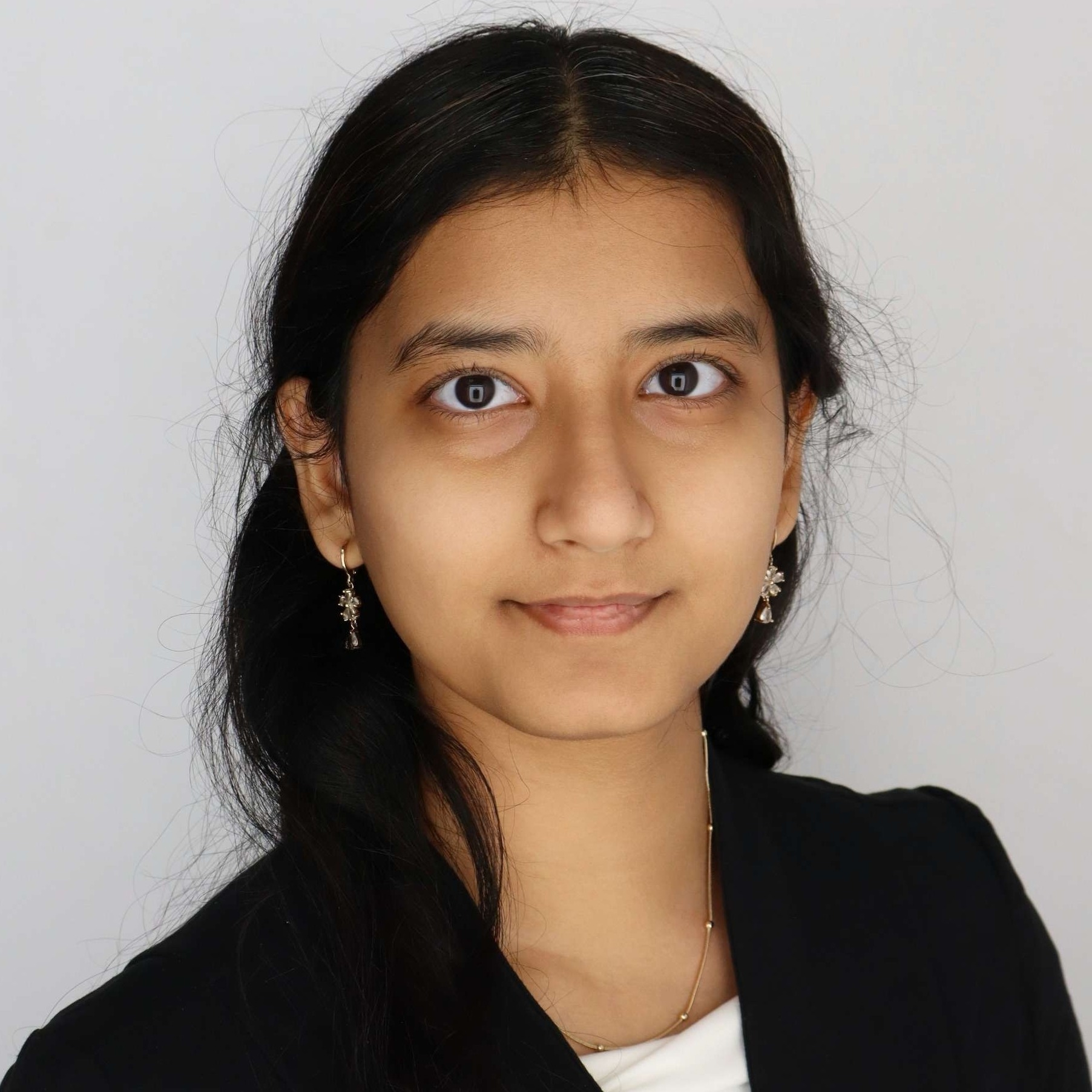
Mahi Sheth portrait

Aspiring AI Specialist

As a Computer Science freshman, I'm passionate about diving into Artificial Intelligence and enhancing my skills for a successful career.

Work samples

My portfolio showcases projects from my academic journey and externship, highlighting my growth in AI and computer science.

About me

As a Computer Science freshman, I'm passionate about diving into Artificial Intelligence and enhancing my skills for a successful career.

I'm a freshman studying Computer Science at the University of Cincinnati, focused on a career in Artificial Intelligence. Eager to strengthen my resume, I'm gaining valuable insights through my externship with Pfizer, where I work on AI-powered document insights and data extraction.

Externships

Pfizer Advanced: AI-Powered Document Insights & Data Extraction Externship

Pfizer

Skills

Artificial IntelligenceData ExtractionDocument InsightsComputer ScienceProblem Solving

✅ Verified by Extern · ⏱️ In progress

Pfizer Advanced: AI-Powered Document Insights & Data Extraction Externship

Prototype AI-powered document intelligence with Pfizer—using OCR, LLMs, and RAG to automate real enterprise PDF workflows and build a standout portfolio project.

AI & MLPythonDocument IntelligencePresentation Skills

Overview

The work prototyped AI-powered document intelligence for pharmaceutical PDFs, producing technical notes, runnable Colab notebooks, extraction scripts, OCR comparisons, and RAG experiment logs. Deliverables included a transformer technical summary, preprocessing and PyMuPDF notebooks with layout analysis, a three-way OCR evaluation, RAG pipeline implementations with recorded retrievals, and a JSON

Pfizer Advanced: AI-Powered Document Insights & Data Extraction Externship

What I've accomplished

I delivered a coherent artifact set: a transformer/LLM technical brief, Colab notebooks for cleaning and image enhancement, PyMuPDF extraction with bounding boxes and parsing notes, a Tesseract/PaddleOCR/EasyOCR comparison, RAG experiment logs for three configurations, and a JSON mapping of split documents with doc_id and doc_type.

Project breakdown

Faced a compulsory research task on LLMs, I explained transformer architecture and self-attention, described next-token training, and noted fine-tuning with human feedback. The submission produced a concise technical summary of how LLMs generate and refine language.

The project involved loading document datasets in Colab, cleaning and standardizing text with regex and libraries, processing JSON into flat tables with pandas, and applying histogram equalization plus Gaussian blur to scanned pages. The submission included Colab notebooks and an enhanced document…

I extracted text and bounding boxes from multi-page SDFs with PyMuPDF, inspected layout issues (tables, headers/footers), then parsed dates and fields using line/word-level extraction and regex; the deliverable documented accuracy, layout challenges, and suggested fixes.

Google Docs
Access

The task compared three OCR engines on a scanned pharmaceutical PDF. I ran Tesseract, PaddleOCR, and EasyOCR, documented install friction and outputs, and concluded PaddleOCR gave the best layout-aware extraction while EasyOCR was the easiest to use.

Google Docs
Access

The externship task required a full RAG pipeline. I selected an embedding model, implemented semantic chunking, combined vector and keyword retrieval into a hybrid retriever, and added a reranker. The deliverable included example queries and the AI responses produced by the pipeline.

Google Docs
Access

I tested three RAG configurations (varying top_k, similarity threshold, and an LLM reranker) on an SDF query. I recorded retrieved chunks, ranked excerpts, generated answers, confidence ratings, and noted that all configs produced the same correct answer while retrieval mechanics varied.

Google Docs
Access

I processed a bundled regulatory PDF, extracted page-level metadata, assigned document IDs and types using a classification step, and produced a final JSON mapping pages to doc_id and doc_type (e.g., Cover Letter, Certificate Of Quality, Packaging Specification).

Google Docs
Access
View all works